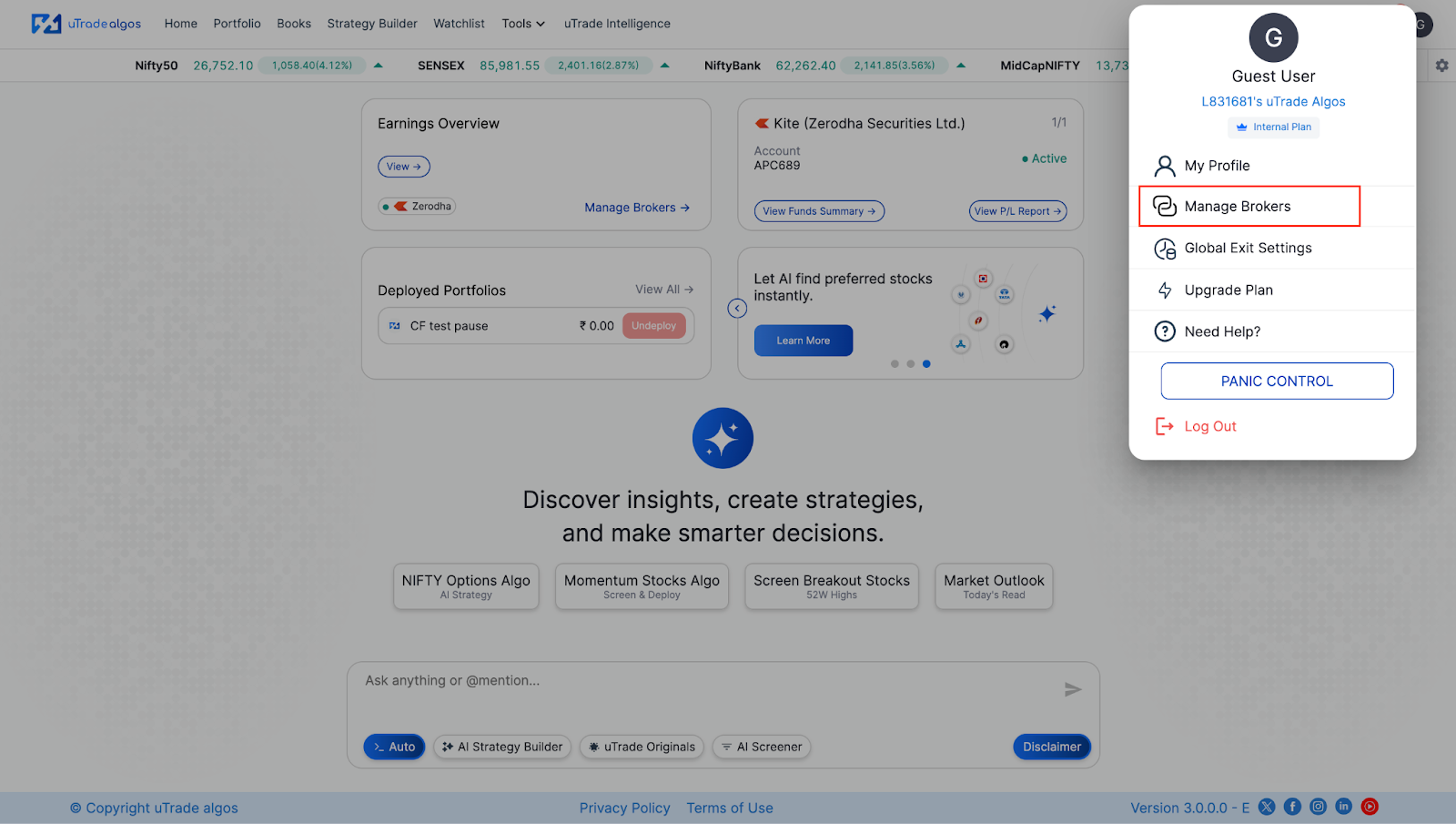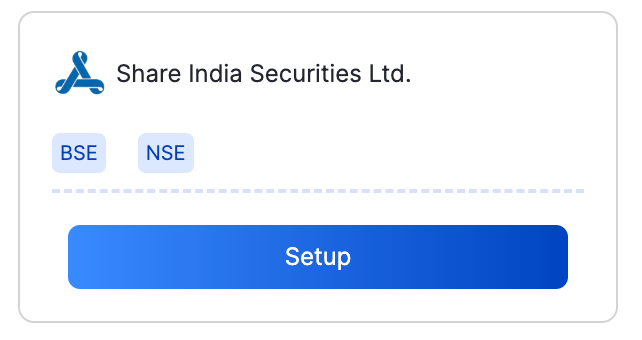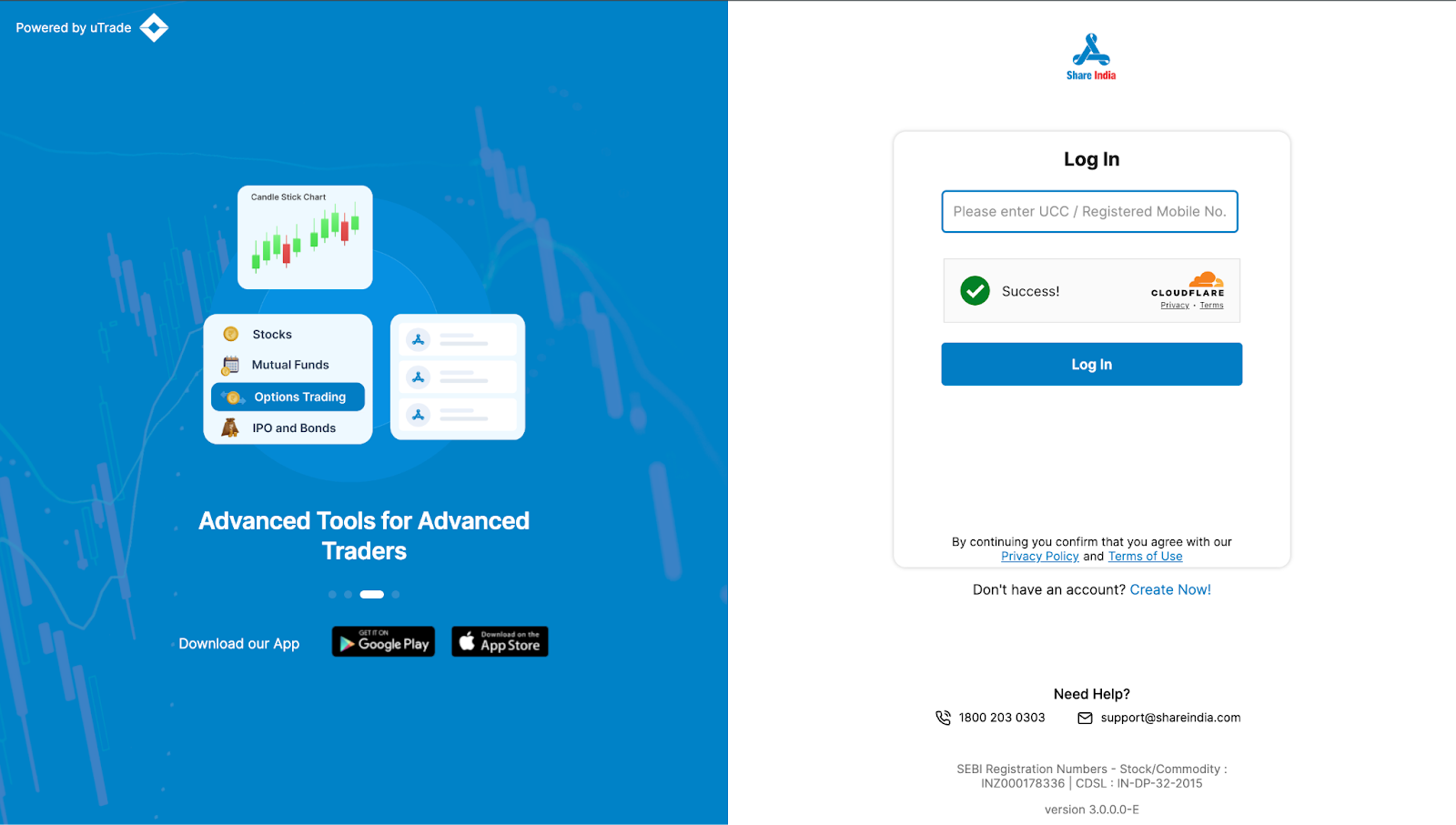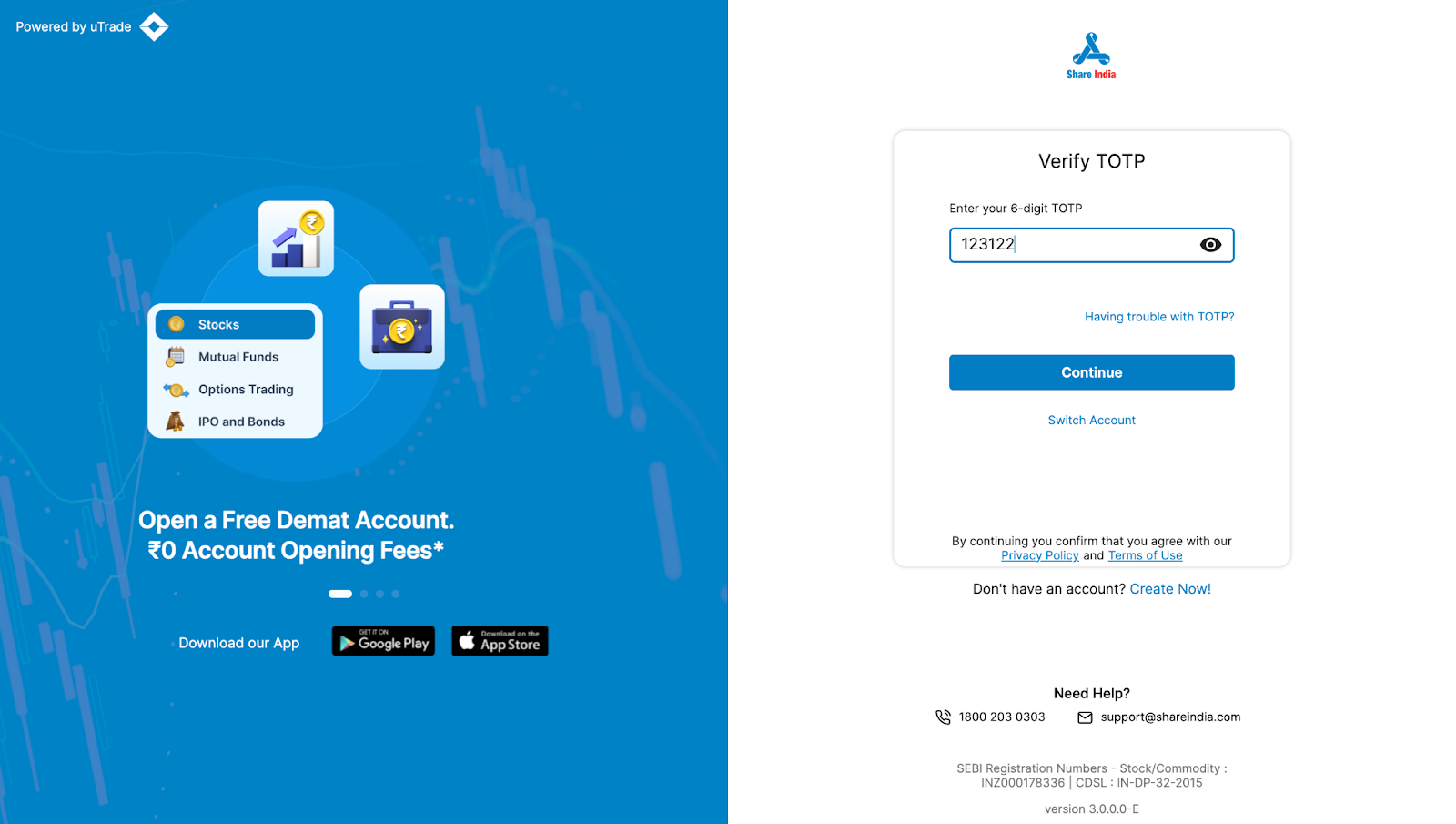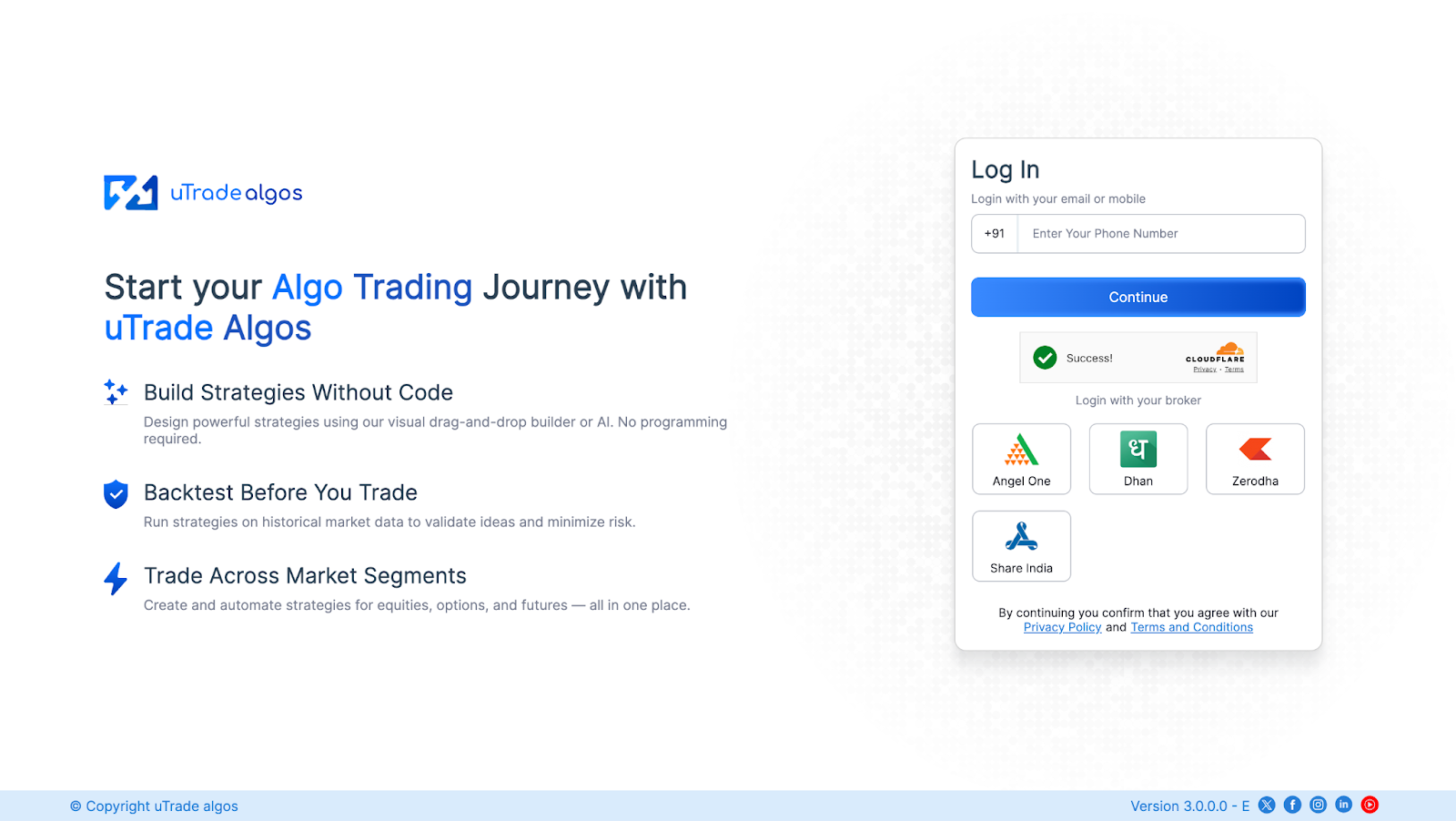
You must have an active uTradeAlgos account. If you don’t already have one, you can easily create it via uTradeAlgos.
You need to have an active Demat account in ShareIndia. If you don’t have an account, Open a demat account in ShareInda. Make sure to activate F&O on your account.


Learn more about ShareIndia on their official website i.e. https://www.shareindia.com/
You must have an active uTradeAlgos. account. If you don’t already have one, you can easily create an account.
You need to have an active Demat account on Zerodha. If you don’t have an account, create an account on Zerodha. Make sure to activate F&O on your account.


After clicking the “Add Zerodha Securities Ltd Account” button, you will be redirected to the Zerodha web login page, where you will be asked to enter your login credentials. Once the authentication is complete, you will be redirected back to your UtradeAlgos account. Your Zerodha account will now be successfully linked with UtradeAlgos and will appear under the Connected section in Manage Broker.
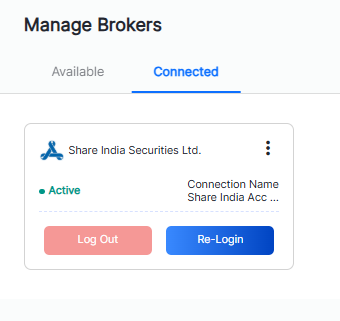
You must have an active uTradeAlgos account. If you don’t already have one, you can easily create it via uTradeAlgos.
You need to have an active Demat account in Dhan. If you don’t have an account, Open a demat account in Dhan. Make sure to activate F&O on your account.


After clicking the “Add Dhan Securities Ltd Account” button, you will be redirected to the Dhan web login page, where you will be asked to enter your login credentials. Once the authentication is complete, you will be redirected back to your UtradeAlgos account. Your Dhan account will now be successfully linked with UtradeAlgos and will appear under the Connected section in Manage Broker. `

Learn more about Dhan on their official website i.e. https://dhan.co/